How to use Quick Dialogue
Joining a Quick Dialogue via QR Code
Step 1: Join the quick dialogue by scanning the QR code
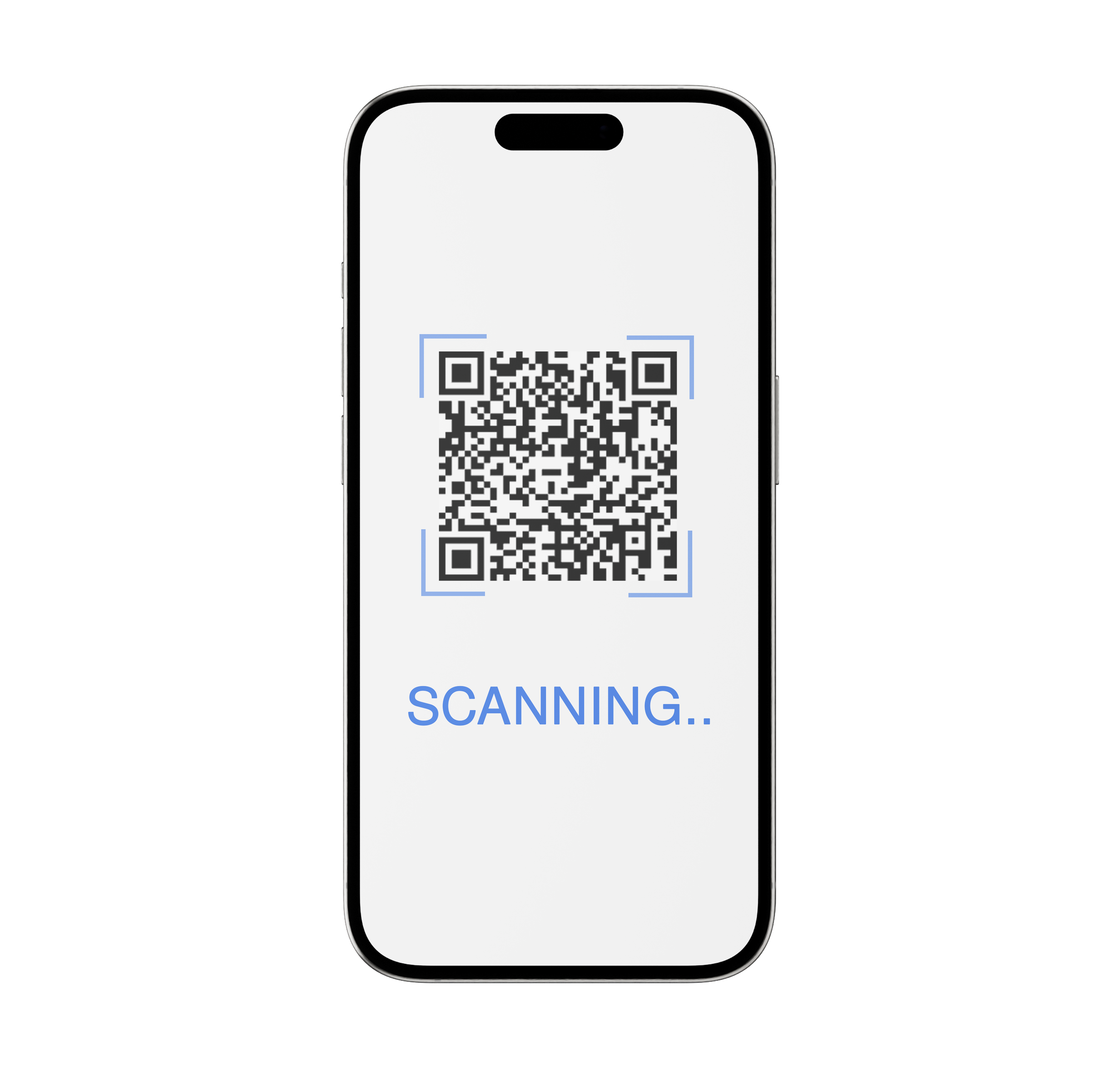
Join the Quick Dialogue by scanning the QR code.
When someone scans your Quick Dialogue QR Code, they are redirected to the Middo Guest page.
Step 2: Fill in the Information
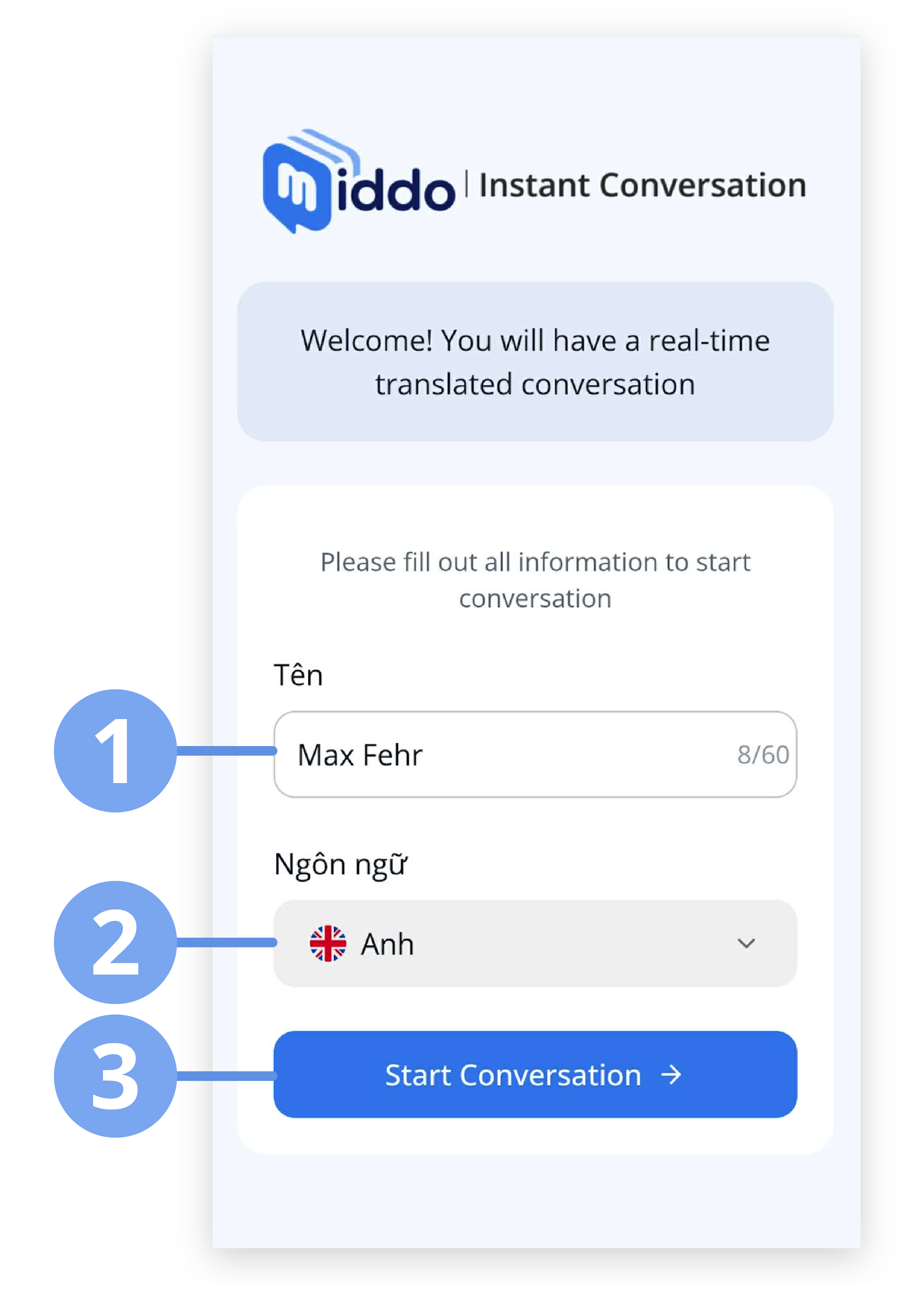
On this page, guests can:
- Enter a display name or use a suggested name
- Select their preferred language
- Click Start Conversation to join the chat